Getting started with PowerShell 7 and Microsoft Graph PowerShell SDK - MN365 2025 Spring Workshop (Part 1)
MSOnline and AzureAD PowerShell's replacement and other topics


First, the slides I used for my presentation are attached to this post.
Here we are staring down the retirement of MSOnline and AzureAD’s retirement. This is a critical time to start the journey to converting scripts and learning what is available for use in the Microsoft Graph PowerShell SDK. My previous post covered some links that I wanted to make sure that people had in their hands for this workshop. Where to download PowerShell 7, Visual Studio Code and then the extension to look for to extend VS Code’s functionality to PowerShell 7. After everything is said and installed, the environment should look similar to what many are used to with the PowerShell 5 ISE environment… well except for a nice new dark experience that is now easier on the eyes.
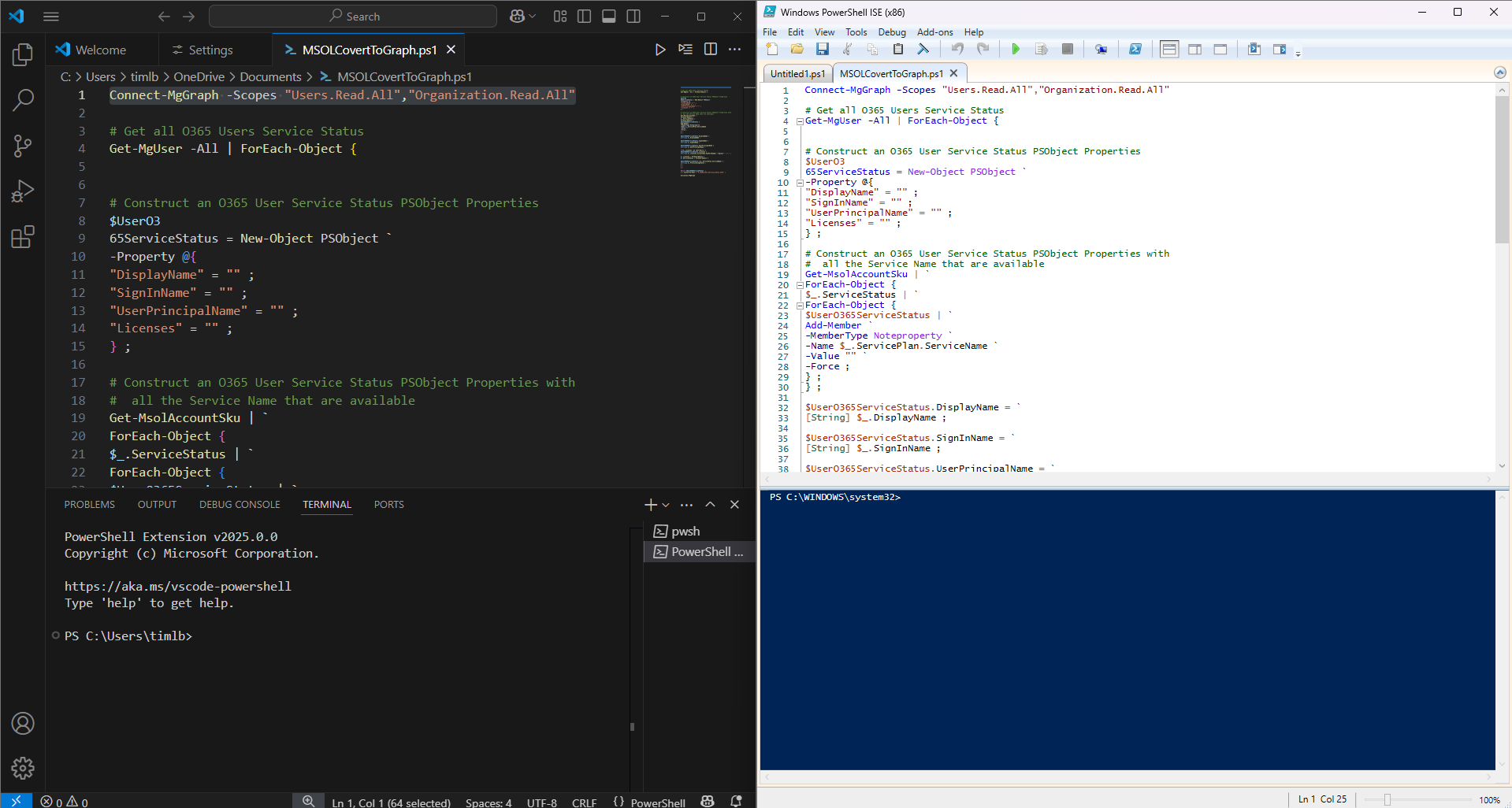
We had also talked about installing the module for the Microsoft Graph PowerShell 7 SDK and how large it is. There are many sub-modules within the main module, and they can be picked and used as needed. In, fact I recommend making sure that when these scripts are deployed to a server or service of choice to keep only the sub-modules that are needed to make the script run. It keeps things cleaner and keeps things slightly more secure by not having the entire library of function available on the system where the script is executing. (I owe a future post to talk about another gotcha regarding PowerShell’s preferred way to store modules in a location that is synchronized by OneDrive, so stay tuned.)
The big takeaways for this workshop I wanted to communicate were to use the resources at hand to help convert scripts. The first resource, Microsoft’s own documentation. Microsoft published this cmdlet map to help with identifying equivalent commands to convert MSOnline and AzureAD to Graph SDK.
Second resource lies within the Graph PowerShell Graph SDK - the find command is very potent and helpful.
Find-MgGraphCommand -Command .*SearchWord.*
This will execute and output information about commands by doing a wildcard search within the modules. It was helpful in exploring and identifying cmdlets to dive into their documentation even further by looking into the command’s documentation. The individual command’s documentation contains vital information that is needed to provide scopes that are used to pass into the initial Connect-MgGraph command for authenticating/authorizing the script.
I believe at this point we ended up taking a break and for the latter part of the workshop we went over the conversion of an existing script to using the MSOL module to check licenses within an M365 tenant and some ideas/questions the attending audience had about using the Microsoft Graph PowerShell SDK.
The topics that were brought up:
Can you manage calendars with the PowerShell SDK
Is there a way to subscribe or get changes that are happening to the Graph APIs
How do I write a script to check and notify App Registration owners when certificates or secret values are expiring
There was a 4th one that I’m unfortunately not recalling (if anyone remembers what it was reach out to me and let me know in the comments - lesson learned as well take a picture of the digital whiteboard before leaving)
I’ll go over these items tomorrow. I ended up demoing using Copilot to re-write/convert the MSOL script and that exercise also demonstrated one of my personal rules of thumbs for AI - trust but verify.
Part 2 - COMING SOON!
References:
Action required: MSOnline and AzureAD PowerShell retirement - 2025 info and resources
CMDlet Mappings AzureAD, MSOnline to Microsoft Graph PowerShell SDK
All CMDlets in Microsoft Graph PowerShell SDK
